
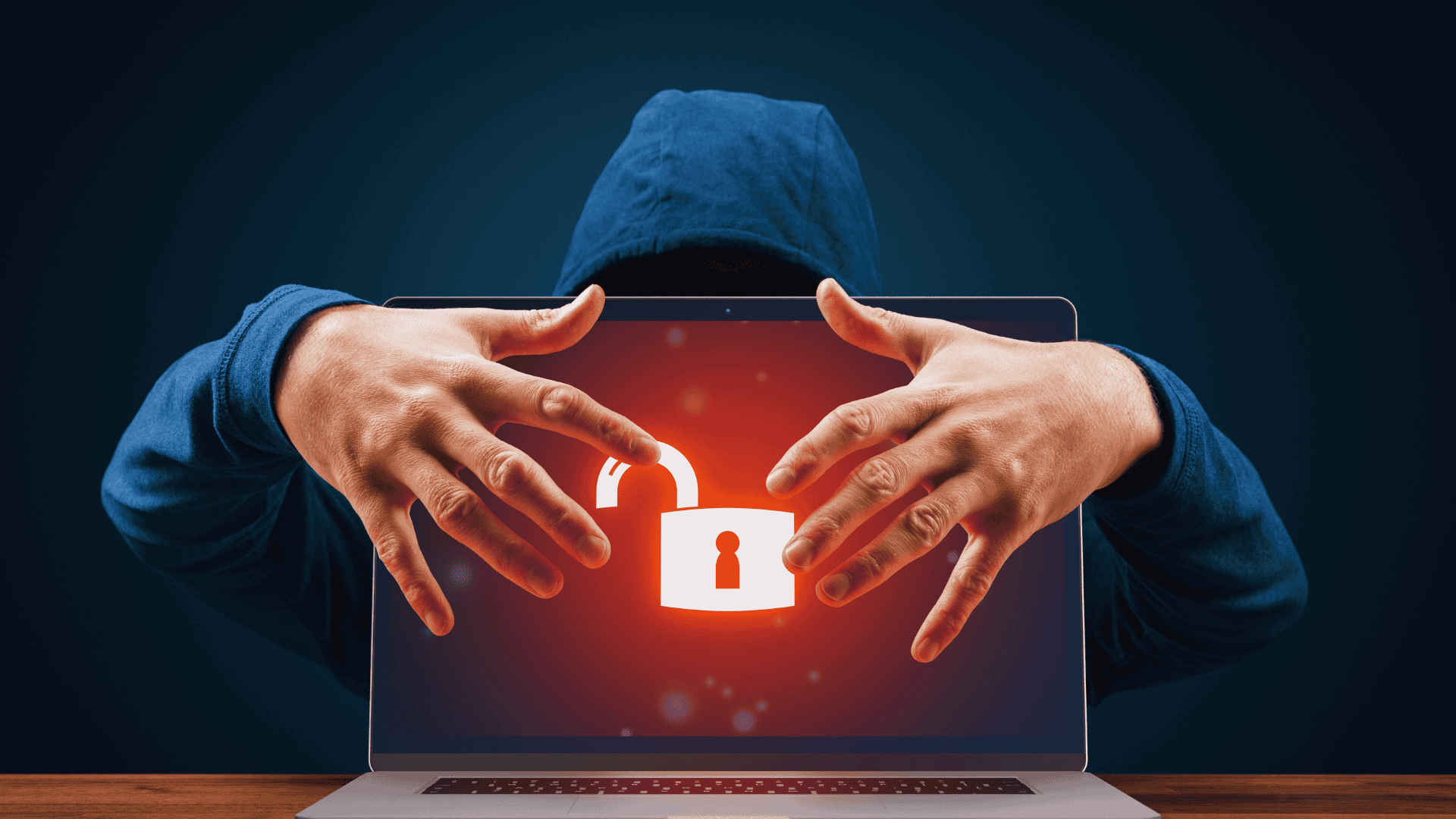
With the rise of digital communication, online scams and phishing attacks have become increasingly sophisticated. Recognizing the signs of these scams is crucial for protecting personal information and financial security. Many individuals fall victim to these deceptive tactics, often due to a lack of awareness about how these frauds operate.
Common scams typically employ urgency or fear tactics to prompt quick actions without careful consideration. Phishing attempts often come through emails, messages, or fake websites designed to mimic legitimate organizations. Educating oneself about these strategies can drastically reduce the risk of falling prey to them.
By learning to identify red flags such as poor grammar, suspicious links, and unsolicited requests for sensitive information, individuals can safeguard themselves against online threats. Taking a moment to scrutinize communications before responding can make all the difference.
Understanding Common Online Scams and Phishing Attacks
Online scams and phishing attacks are prevalent threats in today’s digital landscape. Recognizing their characteristics can help individuals protect themselves from cybercriminals.
What Is a Phishing Attack?
A phishing attack is a deceptive attempt to obtain sensitive information, such as usernames, passwords, or credit card numbers. Cybercriminals often disguise themselves as trustworthy entities to lure individuals into providing their personal details.
Phishing attacks usually occur through emails, messages, or websites that appear legitimate. The content often includes realistic logos and designs to create a sense of authenticity. Victims might encounter urgent messages prompting quick action, such as resetting passwords or confirming account details.
The following techniques are common in phishing attacks:
- Email Spoofing: This involves forging the sender’s address to make it appear as if it is from a reputable source.
- Malicious Links: Links redirect to fake websites that mimic legitimate ones, tricking users into entering their information.
Differences Between Online Scams and Phishing
While phishing is a type of online scam, not all online scams qualify as phishing. Online scams encompass a broader range of deceitful practices aimed at misleading individuals for financial gain or obtaining sensitive data.
Common online scams include fake lotteries, advance-fee frauds, and tech support scams. Unlike phishing attacks, which primarily focus on acquiring specific personal details, these scams often involve elaborate narratives to convince individuals to part with money directly.
Key differences can be summarized as follows:
- Intent: Phishing focuses on data theft, while broader scams may involve outright theft of money.
- Method: Phishing often uses direct digital communication, whereas other scams might involve phone calls or in-person interactions.
How Phishing Relates to Social Engineering
Phishing is closely tied to social engineering techniques, which exploit human psychology to manipulate individuals into making poor decisions. Cybercriminals use social engineering to create a sense of urgency, fear, or curiosity, driving victims to comply without thinking critically.
Common social engineering tactics include:
- Creating a Sense of Urgency: Messages may suggest immediate action is required, pushing victims to bypass caution.
- Using Familiarity: Attackers often impersonate colleagues or known contacts to increase trust.
These techniques enhance the effectiveness of phishing attacks, making it crucial for individuals to remain vigilant and skeptical of unsolicited communications. Recognizing these tactics can significantly reduce the risk posed by cybercriminals.
Types of Phishing and Online Scam Techniques
Phishing and online scams come in various forms, each employing different techniques to deceive victims. Understanding these methods can help individuals recognize warning signs and protect themselves from fraud.
Email Phishing
Email phishing is one of the most common scam techniques. Fraudsters send fraudulent emails that appear to come from legitimate sources, often including businesses or financial institutions.
These emails typically request sensitive information or direct users to malicious websites. Common tactics include:
- Urgent language: Creating a sense of urgency to prompt immediate action.
- Spoofed domains: Using fake email addresses that closely resemble real ones.
- Malicious links: Directing recipients to phishing websites designed to capture personal data.
Identifying red flags in email phishing is crucial. Always hover over links before clicking and verify sender addresses carefully.
Spear Phishing and Targeted Attacks
Spear phishing is a more personalized form of phishing. Unlike mass email phishing, spear phishing targets specific individuals or organizations, making it more deceptive.
Fraudsters gather personal information about their targets, tailoring messages to increase credibility. This could include:
- Using the recipient’s name to create authenticity.
- Referencing recent events or shared contacts.
Spear phishing is often executed through direct email. Victims may be tricked into divulging sensitive information or downloading malware. Verifying the legitimacy of requests, especially those that seem personal, is essential.
Smishing and SMS Phishing
Smishing involves phishing attempts through SMS text messages. This method capitalizes on the trust people place in mobile communications.
Fraudsters send texts that may contain links to phishing websites or ask for private information. Key characteristics of smishing include:
- Urgent messages: Pushing recipients to act quickly.
- False rewards: Offering prizes or refunds as bait.
Victims may unknowingly click on malicious links, leading to compromised personal data. Individuals should scrutinize text messages, especially those from unknown senders.
Vishing and Voice Phishing
Vishing, or voice phishing, employs phone calls to carry out scams. This technique often involves fraudsters impersonating legitimate organizations, such as banks or government agencies.
During calls, individuals may be urged to provide personal information. Techniques used in vishing include:
- Caller ID spoofing: Masking the actual phone number to appear legitimate.
- Social engineering: Manipulating emotions to gain trust.
Individuals should be cautious about unsolicited calls requesting personal details. It is advisable to hang up and verify the call’s legitimacy independently if in doubt.
How to Spot the Red Flags of Phishing and Online Scams
Recognizing the signs of phishing and online scams is crucial for online safety. This section outlines specific indicators that can help identify these threats effectively.
Suspicious and Unusual Sender Addresses
One of the first red flags of a phishing attempt is an unusual sender address. Legitimate companies typically use their official domain names. For instance, an email from “support@mybank.com” is valid, while “support12345@gmail.com” raises suspicion.
Look for minor misspellings or alterations in the domain, such as “microsoft.com” instead of “microsoft.com.” These slight variations often indicate fraudulent sources.
Additionally, if the sender’s address does not match the content of the message, caution is warranted. Spam filters may catch many phishing attempts, but relying solely on them is insufficient. Always verify unknown sender addresses before engaging.
Fake Login Pages and Phishing Websites
Phishing often includes fake login pages designed to harvest user credentials. These pages may look strikingly similar to legitimate sites, featuring the same logos and layouts. Users are typically directed to these sites through deceptive links in emails or messages.
To identify a fake login page, check the URL carefully. Genuine websites will have a secure connection, noted by “https://” and a padlock symbol in the address bar. Be wary if the site requests excessive personal information beyond typical login credentials.
It is wise to access accounts directly through the official website instead of clicking on links in emails. If in doubt, contacting customer service through the official website can clear up concerns about security.
Urgent Language and Threats
Scammers often employ urgent language to provoke a quick response. Emails that threaten account suspension or illegal action create panic, pushing the recipient to act without caution. Phrases like “Act now!” or “Your account will be closed!” are common tactics used by fraudsters.
Legitimate companies usually communicate important issues in a calm, clear manner over an appropriate timeline. They provide specific instructions and contact information for users to verify claims if needed.
Anyone receiving such messages should take a moment to assess the situation calmly. Verifying the message’s authenticity through official channels is crucial before taking any action.
Malicious Links and Unexpected Attachments
Phishing attempts often contain malicious links or unexpected attachments. These links may appear safe, leading users to unwarranted sites. Hovering over the link reveals the actual URL, which can help identify deceptive links.
Attachments in unsolicited emails, especially those requiring enabling macros or downloading software, are high-risk. Legitimate organizations rarely send files without a reason or prior communication.
Using reliable security software can help in detecting and blocking potential threats. Users should also refrain from opening attachments from unknown sources to maintain safety while browsing online.
Protecting Yourself from Phishing and Online Scams
Understanding how to safeguard personal information is essential in today’s digital landscape. Implementing effective strategies can significantly reduce the risk of falling victim to phishing and online scams.
Best Practices for Email Security
Email is a common vector for phishing attacks. To enhance email security, individuals should enable spam filters to detect potential threats. They must scrutinize sender addresses, looking for slight misspellings or unfamiliar domains.
Regularly updating email passwords is vital. Strong passwords should include a mix of letters, numbers, and special characters. Additionally, users should be cautious when clicking links or downloading attachments from unknown sources, as these often contain malicious software.
Using email services that provide built-in anti-phishing protection is advisable. These services can flag potentially harmful emails before they reach the inbox, adding an extra layer of security.
Multi-Factor Authentication and Strong Passwords
Multi-Factor Authentication (MFA) adds an additional security layer beyond just passwords. It typically requires a second form of identification, such as a text message code or an authentication app. This greatly reduces the likelihood of unauthorized access.
Creating strong passwords is equally important. Passwords should be long and complex, ideally featuring a combination of uppercase letters, lowercase letters, numbers, and symbols. Password managers can help store and generate secure passwords.
Regularly changing passwords is a necessary practice. Users should replace them every three to six months, especially if there’s suspicion of a data breach. This limits the potential for identity theft and unauthorized access to personal data.
Recognizing and Reporting Phishing Attempts
Recognizing phishing attempts can help individuals avoid scams. Common signs include urgent language, spelling errors, or generic greetings. Legitimate organizations rarely request sensitive information via email.
Reporting phishing attempts is important for broader cybersecurity efforts. Individuals can report scams to organizations such as the Federal Trade Commission (FTC) or the Anti-Phishing Working Group. This helps track and combat these threats effectively.
Educating oneself about the latest phishing techniques is crucial. Familiarity with new scams can significantly enhance awareness and prevention efforts, reducing feelings of distress from being targeted.
Role of Antivirus Software and Cybersecurity Tools
Antivirus software plays a key role in protecting against online threats. It can detect and neutralize malware that may originate from phishing attempts. Keeping these tools updated ensures ongoing protection against new threats.
Using comprehensive cybersecurity tools can enhance online safety. Firewalls, VPNs, and email filters provide additional protection layers. Each of these tools plays a role in monitoring and securing internet traffic, further safeguarding personal data.
Regular system updates also contribute to security. Updates often include patches that fix vulnerabilities exploited by cybercriminals. Implementing these updates promptly can defend against potential breaches and financial losses.