
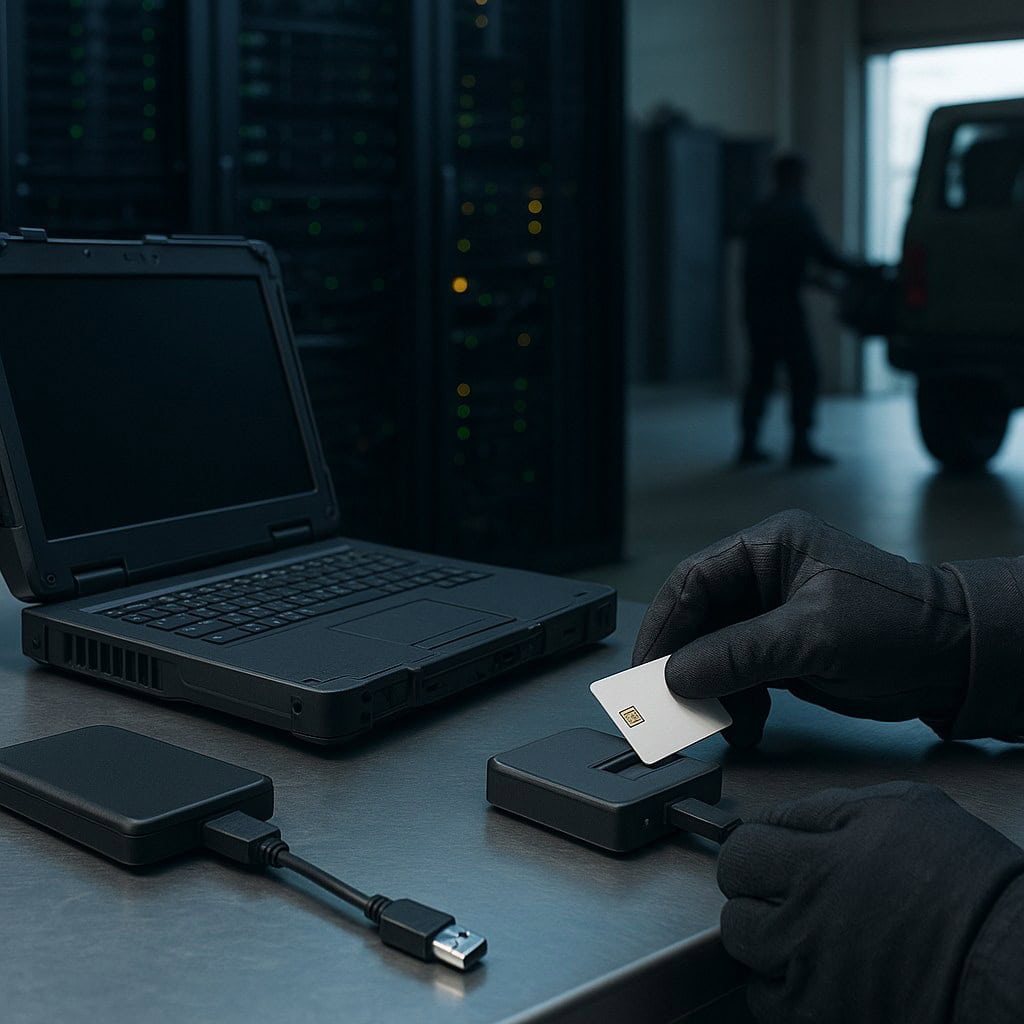
An encryption deployment is not finished when an installation dashboard turns green. The protection still depends on which storage is covered, how keys become available, what happens during recovery, and whether the configuration survives years of maintenance.
For government and defense teams, those questions become harder when systems move between offices, integration labs, vehicles, and disconnected field environments. A design that fits one setting may need different controls in another. Classified information and controlled unclassified information also have different protection and authorization requirements; a defense label alone does not identify the right architecture.
The following mistakes provide a practical starting point for reviewing a deployment. They are not a substitute for program-specific requirements, but they help program managers and integrators ask better questions before hardware goes missing or an audit exposes a gap.
1. Counting endpoints instead of mapping stored data
A list of encrypted laptops is useful, but it is not a complete storage inventory. Maintenance tablets, removable drives, sensor memory, backup media, virtual-machine images, and diagnostic exports can hold sensitive information too.
Consider a hypothetical field maintenance workflow. A technician exports a diagnostic package from a protected mission system to a service laptop, then copies it to a removable drive for analysis. Encrypting the mission system does not establish that either copy receives equivalent protection. The workflow needs its own review.
Start with the information and follow its copies. Record where it is stored, who owns it, what sensitivity applies, and how it moves between systems. Include temporary exports and storage used during integration or repair, not just production devices.
Assign an owner to each store and define when its inventory entry must change. A hardware replacement, new mission application, or revised support procedure should trigger a review. Reconcile the resulting map with encryption coverage reports so that a missing device or unmanaged copy becomes visible rather than disappearing between administrative boundaries.
2. Assuming an encrypted drive is protected equally in every state
Storage encryption protects confidentiality under particular conditions. A powered-off device, a sleeping laptop, and an authenticated workstation do not necessarily present the same exposure.
Once a system releases keys and makes files available, authorized applications can read the information. Malware operating with sufficient access may be able to do the same. Locking the screen restricts interactive use, but does not necessarily remove keys from memory or relock the storage device. Stored information remains data at rest even when the system can decrypt it.
Document the behavior of each approved platform during startup, screen lock, sleep, hibernation, restart, and power loss. Ask where keys reside, which conditions permit their release, and what happens when a drive is removed. Do not assume that a setting with the same name behaves identically across hardware and operating-system versions.
Test those states on the actual deployment image. Then give operators clear handling rules based on the results. A travel procedure should explain the required device state, rather than simply telling users to leave the laptop locked. Any operational restriction should match the approved architecture and mission needs.
3. Choosing an encryption layer by slogan rather than threat model
Hardware encryption and software encryption describe different implementation choices, not automatic rankings of security. Either can be undermined by poor configuration, weak authentication, inappropriate key handling, or a vulnerable surrounding platform.
Hardware-encrypted storage can perform cryptographic operations within the drive. Software encryption performs them through host resources. The consequences for key exposure, management, recovery, and integration depend on the particular products and configuration. Hardware encryption alone does not protect every path through which a running system can expose plaintext.
Define the exposure before selecting the implementation. Is the concern removal of a drive, theft of an entire device, access to an unattended running system, or capture of a platform in the field? The answer affects more than cipher selection.
Compare proposed controls against those scenarios and the program’s requirements. Include platform integrity, authentication, port access, maintenance workflows, and management availability in the review. A component with strong cryptography may still be unsuitable if its recovery process cannot function in the deployment environment. Keep the rationale with the system documentation so that future replacements are evaluated against the original security need, not merely capacity and speed.
4. Confusing a validated component with an authorized solution
A certificate or registry entry answers a defined question. It does not establish that every system containing the product is ready to handle every category of sensitive information.
NIST’s Cryptographic Module Validation Program records validations for cryptographic modules. Those records have defined versions, configurations, and status. Check the entry and associated security policy against the implementation actually being deployed. A familiar vendor name is not enough.
For new procurement, review current FIPS 140-3 validation status and agency requirements. NIST’s transition moved FIPS 140-2 modules to the Historical list after the September 21, 2026 deadline for their use in new systems. Existing-system decisions still need to follow applicable agency policy.
For classified systems using the NSA Commercial Solutions for Classified data-at-rest approach, plan around the applicable Capability Package and its layered architecture. Its two independent encryption layers are not a blanket rule for every defense or controlled-unclassified-information deployment.
Component selection, integration, configuration, and system authorization remain separate responsibilities. Program managers comparing data at rest protection approaches should connect product evidence to the intended architecture and approval path, rather than treating a component listing as the end of the review.
5. Making recovery easier than normal access
Recovery is an alternate access path and deserves the same scrutiny as everyday authentication. A recovery key stored beside a laptop or available through an unrestricted support share can defeat otherwise sound protection.
Map the recovery process from the request through the release of access. Who verifies the requester? Who approves the action? Where is recovery material held? What record remains afterward? Include administrators, contractors, and emergency support arrangements rather than reviewing only ordinary users.
Separate recovery material from the protected devices and restrict access according to role. Use approval and audit controls appropriate to the program. Apply dual control where required, rather than assuming every deployment needs the same procedure.
Also test whether recovery works. Use representative scenarios such as a lost credential, failed motherboard, departing employee, or unavailable management service. A process that protects keys but cannot restore mission access has an availability problem; a process that restores access without checking authority has a confidentiality problem.
Document what happens after recovery, including any required credential changes, key changes, or incident review. Recovery should end with a controlled return to the approved configuration, not a permanent exception created during troubleshooting.
6. Depending on a network connection that the mission cannot guarantee
Remote management is useful, but a disconnected device cannot reliably receive an instruction from headquarters. A plan that depends entirely on remote locking or wiping leaves an obvious gap when communications are unavailable.
Define what must work locally. This may include enforcing approved unlock rules, recording relevant events, and maintaining the intended protection after a restart. Also define how long the platform can operate without reaching management services and what restrictions apply during that period.
Test loss of connectivity as a normal operational scenario. Include an unavailable identity service, delayed policy delivery, and a device returning after an extended absence. Check whether the system preserves the intended controls rather than silently accepting a weaker fallback.
Recovery deserves particular care in field settings. Provide a controlled process suited to the mission rather than distributing a universal override that becomes routine access. Where emergency procedures are necessary, define authorization, custody, logging, and review.
When the device reconnects, reconcile its status and relevant records before assuming it matches the current baseline. Remote capabilities can support the design, but they should not be the only protection for information on a device that may be lost beyond communications range.
7. Letting maintenance change the security baseline unnoticed
A system can drift away from its reviewed configuration through ordinary support work. A replacement drive, revised image, firmware update, or temporary authentication exception can change how protection works.
Keep a baseline that identifies relevant hardware, firmware, software, encryption settings, and management dependencies. Record which evidence supports the configuration. This gives maintainers a reference for deciding whether a proposed change is routine or requires additional security review.
Build that review into purchasing and service procedures. A replacement with the same storage capacity is not necessarily equivalent. Nor should a security-sensitive firmware update be assessed only for application compatibility. Updates may be important, but their effect on validation scope and integration still needs attention.
Use configuration checks that examine effective protection, not just agent installation. Confirm that intended volumes are covered, required unlock controls remain active, and exceptions have owners and expiration dates. Investigate differences between dashboard summaries and platform-level results.
Finally, retest critical workflows after material changes. Startup, recovery, offline operation, and sanitization should not depend on assumptions made during an earlier pilot. Make the resulting evidence part of sustainment documentation so that staff turnover does not erase the reason a control exists.
8. Waiting until disposal to decide how media leaves service
Retirement planning belongs in the design and procurement stages. Failed devices, warranty returns, reassigned storage, and decommissioned platforms need defined handling paths before they contain sensitive information.
NIST SP 800-88 Rev. 2, finalized in September 2025, provides guidance for building a media sanitization program based on information sensitivity. Select methods consistent with applicable requirements and the actual media. Deleting files or reformatting a volume should not be assumed to provide the required sanitization outcome.
Cryptographic erase can serve as a purge technique under appropriate conditions. It works by sanitizing relevant cryptographic keys so that recovery of decrypted target data becomes infeasible. Its suitability depends on the encryption and key-management design, including relevant key copies. It is not the only option for SSDs and should not be accepted solely because a menu reports a successful wipe.
Define verification, records, custody, and the response to a failed sanitization attempt. Include devices that will not power on or cannot execute the selected method. A failed drive should enter a controlled handling process, not an ordinary return shipment by default.
Make protection a repeatable operational practice
The most useful review asks what remains true after a deployment changes hands, loses connectivity, needs recovery, or reaches retirement. Inventory, device-state testing, controlled keys, and configuration management answer different parts of that question.
Assign owners to those checks and incorporate them into existing maintenance and mission reviews. Encryption then becomes an operating capability supported by evidence, rather than an installation task that nobody revisits.